
Case status and tasks
Show case updates and a checklist of what your firm needs from the client.
Client Portal
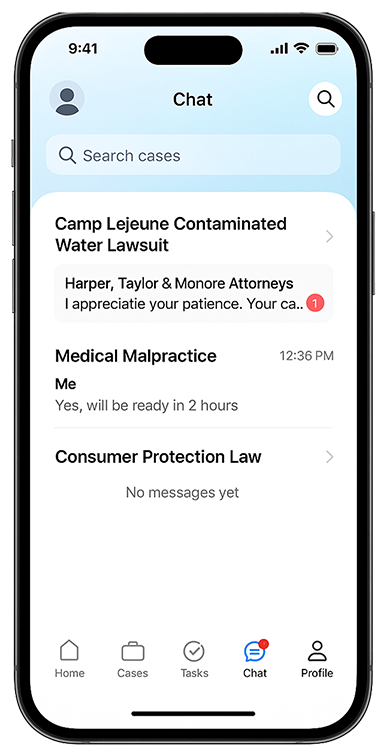
Give clients a familiar place to check case status, send a message, upload documents, and see what they need to do next.
Help clients recognize your firm from the first sign-in.
Welcome clients with a video from your managing partner or a branded AI avatar. Explain what happens next and where to find help.
On Standard and above, send a photo for the welcome video, or talk with Kayse about the avatar option. Review the result before clients see it.
Keep the information clients ask for close to the action they need to take.
Show case updates and a checklist of what your firm needs from the client.
Give clients secure two-way messaging and a place to upload requested documents.
An AI assistant can answer routine questions. Your team remains responsible for legal advice and case-specific decisions.
This short walkthrough shows the branded client app. Use the demo to discuss which case details, tasks, and messages your firm wants clients to see.
Choose who will build and maintain the connection before you launch.
Your firm or vendor builds and maintains the connection using Zapier, customer-configured webhooks, or the open API, with Builder guiding.
Kayse builds and maintains the supported case system connection, up to three case types and fifty mapped fields. Additional work is scoped and agreed in writing.
Read the integration scopePut it to work
See the welcome, a case update, and a document request in one walkthrough.